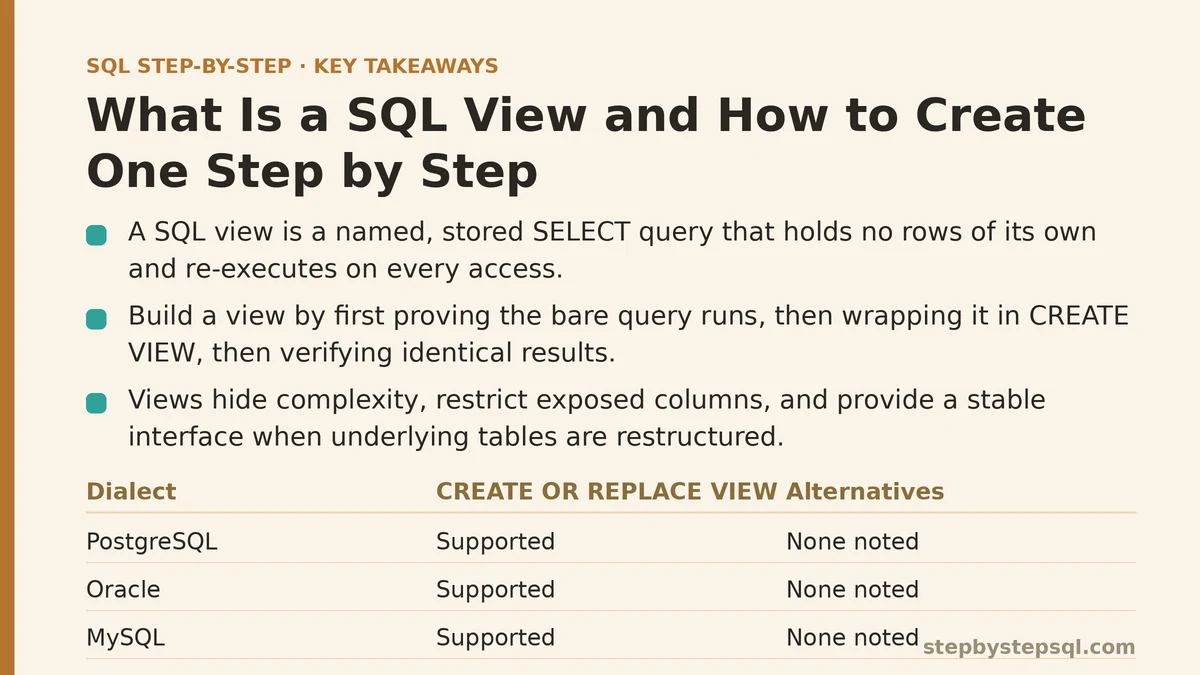
A SQL view is a named, stored query. You write a SELECT statement once, save it to the database catalog under a name, and from then on you can query that name as though it were a table — even though it holds no rows of its own. Every time you select from a view, the database re-executes the underlying query and returns the current result.
That definition carries two consequences worth holding onto. First, a view is not a copy of your data, so it never goes stale the way a materialized snapshot would. Second, because it re-runs the stored query on each access, a view is only as fast as the query behind it, and it inherits every flaw in that query.
Views matter for three practical reasons: they hide complexity behind a simple name, they let you expose a restricted slice of a table (say, dropping salary or personal columns) to a reporting user, and they give you a stable interface so that downstream queries survive a table being restructured underneath.
The Basic Syntax
The canonical form is short:
CREATE VIEW view_name AS
SELECT column1, column2
FROM some_table
WHERE some_condition;
Three dialects are worth knowing because they diverge slightly:
-- PostgreSQL / SQL Server / Oracle
CREATE VIEW active_customers AS
SELECT customer_id, customer_name, signup_date
FROM customers
WHERE status = 'active';

-- MySQL (identical for basic views)
CREATE VIEW active_customers AS
SELECT customer_id, customer_name, signup_date
FROM customers
WHERE status = 'active';

-- Replace an existing view without dropping and recreating it
CREATE OR REPLACE VIEW active_customers AS
SELECT customer_id, customer_name, signup_date
FROM customers
WHERE status = 'active';
CREATE OR REPLACE VIEW is supported by PostgreSQL, Oracle, and MySQL. SQL Server does not accept that clause — you either DROP VIEW then CREATE VIEW, or use CREATE OR ALTER VIEW (available in SQL Server 2016 SP1 and later). Knowing which of these your database accepts saves you a failed deployment.
A Concrete Implementation Path
The most reliable way to build a view is in three steps: prove the query, wrap it, then verify the wrapper behaves identically.
Step 1 — Write and run the bare query
Say you have orders and customers tables and a recurring need: a per-customer order summary.
SELECT
    c.customer_id,
    c.customer_name,
    COUNT(o.order_id)      AS order_count,
    SUM(o.order_total)     AS lifetime_value
FROM customers AS c
LEFT JOIN orders AS o
    ON o.customer_id = c.customer_id
GROUP BY c.customer_id, c.customer_name;
Run it. Check the row count, spot-check a couple of customers, and confirm the LEFT JOIN is behaving as you expect — customers with no orders should appear with order_count = 0, not disappear. Do not skip this step. The single most common cause of a broken view is a query that was never verified on its own.
Step 2 — Wrap it in CREATE VIEW
CREATE VIEW customer_order_summary AS
SELECT
    c.customer_id,
    c.customer_name,
    COUNT(o.order_id)      AS order_count,
    SUM(o.order_total)     AS lifetime_value
FROM customers AS c
LEFT JOIN orders AS o
    ON o.customer_id = c.customer_id
GROUP BY c.customer_id, c.customer_name;
If the query runs standalone and the view creation fails, the cause is almost always a permissions or naming problem, not a logic problem. See the troubleshooting table below.
Step 3 — Verify the view produces the same result
SELECT COUNT(*) FROM customer_order_summary;
Compare that count against the count from Step 1. If they match, the view is wired up correctly. Then run a targeted query through it:
SELECT *
FROM customer_order_summary
WHERE order_count = 0
ORDER BY customer_name;
You should see customers with zero orders. If that returns nothing where the base tables suggest it should, you have a filter bug — usually a WHERE clause added inside the view that is silently excluding the rows you wanted.
Understanding What a View Can and Cannot Do
A view is a saved query, and that constraint defines its limits. It does not store rows, index them, or change how the underlying tables are physical structured. It is a name for a SELECT.
| Capability | Supported? | Notes |
|---|---|---|
| Query it with SELECT, JOIN, WHERE, GROUP BY | Yes | No restrictions — it behaves like a table |
| Use it in another view or a subquery | Yes | Views can stack; keep nesting shallow |
| INSERT/UPDATE/DELETE through the view | Sometimes | Only for simple single-table views; blocked by aggregates, DISTINCT, UNION, or multiple tables |
| Add WHERE / GROUP BY to itself | No | The stored query is fixed; you can only filter its output |
| Use it with parameters | No | Views take no arguments — see the alternatives section |
| Add indexes directly to it | No | Some engines (SQL Server) allow indexed views with heavy restrictions |
| Guarantee up-to-date data | Yes | Re-executes the query on every access |
That third row is the one that trips people up most. A view over a single table with no aggregates is often updatable — you can UPDATE through it and the change lands in the base table. But the moment the view contains a GROUP BY, a DISTINCT, a UNION, or joins across multiple tables in most engines, it becomes read-only, and an attempted write returns an error. If you need writable views, keep the query trivially simple.
Checklist: Common View Problems, Causes, and Fixes
The following format walks through the failure modes you are most likely to hit, in the order they typically appear.
Symptom: “View already exists” on CREATE
Cause: A view (or table) with that name is already in the schema, or you are re-running a migration script that isn’t idempotent.
Fix: Use CREATE OR REPLACE VIEW where supported (PostgreSQL, Oracle, MySQL), CREATE OR ALTER VIEW on SQL Server 2016 SP1+, or drop first:
DROP VIEW IF EXISTS customer_order_summary;
CREATE VIEW customer_order_summary AS
SELECT ... ;
The IF EXISTS guard prevents a failure when the view does not yet exist. Check that the name is not colliding with an actual table in the same schema — MySQL, for example, will not let a view and a table share a name inside one database.
Symptom: “Permission denied” when creating the view
Cause: You can SELECT from the tables but you lack the CREATE VIEW privilege, or you are not the owner of the schema you are creating it in.
Fix: Ask a DBA for CREATE VIEW on the target schema. On SQL Server, the db_ddladmin role typically suffices; on PostgreSQL, CREATE on the schema plus SELECT on the referenced tables is required. Creating a view does not automatically grant others access — anyone querying it still needs SELECT on the view, and in most engines the view runs with the owner’s permissions, not the caller’s, which is an important detail if you are using views for row-level security.
Symptom: The view returns fewer rows than you expected
Cause: A filter inside the view is excluding them. This is the classic WHERE-after-LEFT JOIN mistake — the same one that breaks plain queries.
Fix: Audit the stored query. If the intent is “all customers, even those with no matching orders,” then any condition referencing the orders table must go in the ON clause, not the WHERE clause:
-- WRONG: drops customers with no orders
CREATE VIEW recent_customer_summary AS
SELECT c.customer_id, c.customer_name, SUM(o.order_total) AS total
FROM customers AS c
LEFT JOIN orders AS o ON o.customer_id = c.customer_id
WHERE o.order_date >= '2025-01-01'
GROUP BY c.customer_id, c.customer_name;

-- CORRECT: keeps every customer
CREATE VIEW recent_customer_summary AS
SELECT c.customer_id, c.customer_name, SUM(o.order_total) AS total
FROM customers AS c
LEFT JOIN orders AS o
    ON o.customer_id = c.customer_id
   AND o.order_date >= '2025-01-01'
GROUP BY c.customer_id, c.customer_name;
The subtlety: in the first version, customers with no orders have NULL for order_date, and NULL >= '2025-01-01' evaluates to NULL (treated as false), so those rows are filtered out. Moving the condition to ON preserves the left-side rows.
Symptom: Querying the view is slow
Cause: The view re-runs its stored query every time, and that query may have no supporting index or may involve an expensive join.
Fix: Two options. First, inspect the execution plan of the view’s query as though it were a plain query — indexes on the base tables change how a view performs just as they would for a normal SELECT. Second, if you need the speed of a precomputed result and can tolerate some staleness, use a materialized view (PostgreSQL, Oracle) or an indexed view (SQL Server). Those store the result physically and require a REFRESH or matching index maintenance, which is a different trade-off than a plain view.
Symptom: Downstream queries break after a schema change
Cause: Someone renamed or dropped a column in the base table, and the view’s stored query references it. Most engines will either refuse to alter the base table while the view depends on the referenced column, or leave the view in a broken state that errors on the next query.
Fix: Discover the dependency before changing anything. On PostgreSQL:
SELECT dependent_view.relname AS view_name
FROM pg_depend
JOIN pg_rewrite   ON pg_depend.objid = pg_rewrite.oid
JOIN pg_class     AS dependent_view ON pg_rewrite.ev_class = dependent_view.oid
JOIN pg_class     AS source_table   ON pg_depend.refobjid = source_table.oid
WHERE source_table.relname = 'customers'
  AND dependent_view.relname <> 'customers';
If the view cannot tolerate the schema change, alter the view first (or alongside the table change in the same migration) rather than after.
When a View Is the Wrong Tool
A view is not a universal solution. Three situations where you should reach for something else:
You need parameters. Views cannot accept arguments. If you want “give me sales for a chosen date range,” a view forces the caller to filter the already-aggregated output, which frequently defeats the point. A table-valued function (SQL Server, PostgreSQL) or a parameterized query in your application layer is the right answer.
You need heavy filtering on a large source table. Because the view’s query runs in full before your outer WHERE is applied (unless the optimizer can push the predicate down — it usually can, but not always), a view over a billion-row table can be unexpectedly slow for cheap-looking queries. Inspect the execution plan before assuming the view is the bottleneck.
You need precomputed speed. Plain views save no work — they only save typing. If the underlying aggregation is expensive and run frequently, a materialized view trades freshness for speed. That is a different decision with different failure modes (missed refreshes, stale dashboards), so treat it deliberately.
You want a stable API for many consumers. Here a view is the right choice, and it is the strongest argument for them. Exposing a view instead of the base table means you can add a column to a table, rename an internal column, or split a table without breaking every report that reads from the view.
A Note on View Security
Views are a common way to restrict what a reporting user can see. Grant SELECT on a view that exposes customer_id, customer_name, region and nothing else, and that user cannot read the salary or email columns of the base table — even though they can technically query the view. In most engines the view runs with the owner’s privileges (definer rights), so the caller does not need direct access to the underlying tables.
This works cleanly when it is set up intentionally. It breaks when someone grants the reporting user SELECT on the base table “just temporarily” and forgets to revoke it, or when a view inadvertently exposes a column that was meant to stay private. Audit view definitions on any schema that carries sensitive data, and check the owner of each view — a view owned by a superuser with definer rights is a bigger security surface than a view owned by an application role.
Summary
A SQL view is a saved SELECT statement stored under a name. It returns current data on each access, it can be queried like a table, and it is typically read-only once the query involves joins or aggregates. Create one by writing and verifying the query first, wrapping it in CREATE VIEW, and confirming the wrapper returns the same rows. When a view misbehaves, the cause is usually a filter inside the stored query, a permissions gap, or a base-table change that invalidated a dependent reference — not the view mechanism itself.
Related guides: How to Create and Use SQL Views: Saving Queries the Smart Way, Introduction to Stored Procedures in SQL: Separating the Myths from What They Actually Do, and SQL Common Table Expressions (CTEs): What the WITH Clause Actually Does and When to Use It.