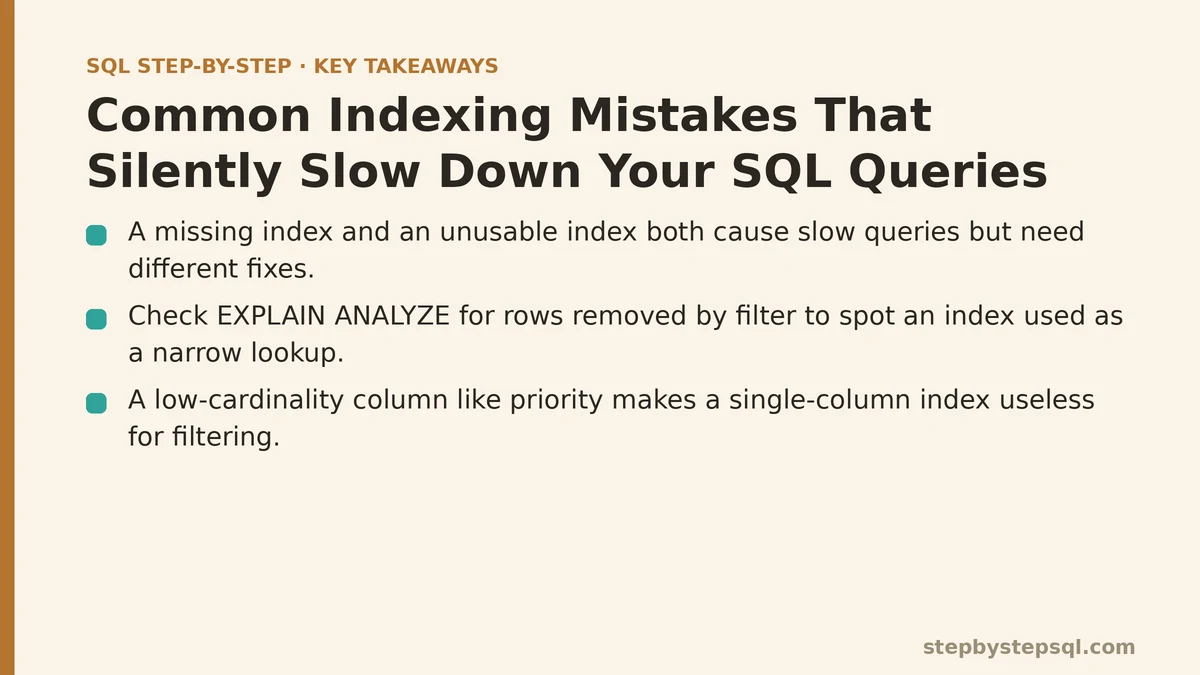
A missing index and an unusable index produce the same symptom — a slow query — but they require opposite fixes. When an index is missing, you create one and the query speeds up. When an index exists but the database can’t apply it, adding another index usually does nothing, and you end up with a table carrying extra write overhead for no read benefit.
That distinction is worth internalizing before anything else, because the second case is far more common than most people assume. This post walks through one realistic scenario from start to finish: a reporting query that got slower as a table grew, a first instinct that made things worse, and the verification steps that identified the real cause.
The Setup: A Support Ticket Table
Imagine a customer support system with a tickets table. It grows by a few thousand rows per day, and after a couple of years it holds several million rows. The columns that matter for this walkthrough:
CREATE TABLE tickets (
    ticket_id      BIGINT PRIMARY KEY,
    customer_id    BIGINT NOT NULL,
    status         VARCHAR(20) NOT NULL,
    priority       VARCHAR(10) NOT NULL,
    created_at     TIMESTAMP NOT NULL,
    assigned_to    BIGINT
);

CREATE INDEX idx_tickets_customer ON tickets (customer_id);
CREATE INDEX idx_tickets_created  ON tickets (created_at);
A support dashboard runs a query that pulls recent high-priority tickets for a single customer:
SELECT ticket_id, status, created_at
FROM tickets
WHERE customer_id = 48211
  AND priority = 'high'
  AND created_at >= NOW() - INTERVAL '30 days';
There’s a usable path here: the planner can seek into idx_tickets_customer to isolate one customer’s rows, then filter the rest. On a table where each customer owns a few hundred tickets, that’s fine. The query returns in a few milliseconds and nobody thinks about it.
The Change: Growth Exposes a Wrong Assumption
Two things happen over time. First, one enterprise customer accumulates tens of thousands of tickets — 40,000 rows for a single customer_id. Second, the dashboard starts running this query for that customer on every page load.
Now the seek into idx_tickets_customer returns 40,000 rows, and the database has to visit each one, read priority and created_at off the heap, and discard almost all of them. The query still uses the index. It just uses it badly. This is the failure mode that gets misdiagnosed constantly: the index appears in the plan, so people conclude indexing is handled and go looking elsewhere.
Here’s the tell. Run EXPLAIN ANALYZE on the slow query in PostgreSQL:
EXPLAIN (ANALYZE, BUFFERS)
SELECT ticket_id, status, created_at
FROM tickets
WHERE customer_id = 48211
  AND priority = 'high'
  AND created_at >= NOW() - INTERVAL '30 days';
You’ll see something close to this:
Index Scan using idx_tickets_customer on tickets
  (cost=0.43..9821.55 rows=38 width=32)
  (actual time=0.041..418.772 rows=41 loops=1)
  Index Cond: (customer_id = 48211)
  Filter: ((priority = 'high'::text) AND (created_at >= (now() - '30 days'::interval)))
  Rows Removed by Filter: 39959
  Buffers: shared hit=4127 read=9821
Read the two numbers side by side: 40,000 rows pulled from the index, 41 rows returned. And Rows Removed by Filter: 39959 is the smoking gun. The index narrowed to one customer; the filter, not the index, did the remaining work. When the ratio of removed rows to returned rows is that lopsided, the index is doing almost none of the actual selection.
The Mistake: Adding an Index the Query Can’t Use
The instinct at this point is to add an index on the filtered columns:
CREATE INDEX idx_tickets_priority ON tickets (priority);
This index is nearly useless for the query above, and it’s worth understanding precisely why. priority has very low cardinality — probably four or five distinct values across millions of rows. An index on a column where high matches roughly 20% of the table is worse than a sequential scan in many cases, because the planner would have to follow millions of pointer lookups to reach rows scattered across the heap. PostgreSQL’s planner will usually recognize this and ignore the index entirely.
You now have a new index that adds write cost to every insert, update, and delete, and the query is exactly as slow as before. This is the second case from the opening: the index exists, the database declines to use it, and no amount of adding more single-column indexes fixes the underlying problem.
The Real Fix: A Composite Index That Matches the Query Shape
The query filters on three columns together, so the index should cover those columns together, in an order that lets the database seek and then range-scan:
CREATE INDEX idx_tickets_customer_created
    ON tickets (customer_id, created_at, priority);
Then drop the useless idx_tickets_priority.
Column order matters here, and it isn’t arbitrary. The rule that governs it: equality conditions first, range conditions last. customer_id = 48211 is an equality match, so the database can jump straight to that customer’s slice of the index. created_at >= ... is a range, so it can scan forward from the cutoff. priority sits last as a filter that gets applied within the index itself, without a trip back to the heap for each candidate row.
Now watch the plan change:
Index Only Scan using idx_tickets_customer_created on tickets
  (cost=0.56..184.72 rows=41 width=32)
  (actual time=0.028..1.146 rows=41 loops=1)
  Index Cond: ((customer_id = 48211) AND (created_at >= ...))
  Filter: (priority = 'high'::text)
  Rows Removed by Filter: 12
  Heap Fetches: 0
Same result set, 41 rows. But look at Rows Removed by Filter: 12 versus 39,959. The index now does the heavy narrowing, and Heap Fetches: 0 means the whole query was answered from the index alone — an index-only scan, because the index contains every column the query needs. It’s worth calling out that index-only scans depend on the visibility map being up to date; on a table with heavy recent write activity, you may see nonzero heap fetches and slower times until autovacuum catches up.
When This Approach Is the Wrong Tool
Composite indexes are not free and are not always correct. A few cases where you should not reach for one:
- The table is write-heavy and the query is rare. Every index you add slows down inserts and updates. If a query runs once a day in a report while the table takes thousands of writes per minute, adding an index for the report can cost more than it saves. Measure both sides before committing.
- The query’s filter shape varies constantly. If different page loads filter on wildly different column combinations, no single composite index will fit them all, and you’ll end up maintaining four or five overlapping indexes that duplicate each other’s leading columns. Consolidate where possible.
- The column has almost no selectivity as a leading column. Leading a composite index with
status(four distinct values) rarely helps. Put a discriminating column first. - You’re covering columns for
SELECT *queries. If the query pulls every column, an index-only scan is off the table; you’re just trading heap reads for index reads.
The leading-column rule deserves one more sentence: a composite index on (customer_id, created_at, priority) can serve a query filtering only on customer_id. It cannot serve a query filtering only on created_at, because the index is ordered by customer_id first. That’s the “leftmost prefix” rule, and forgetting it is how people accumulate indexes that look sensible on paper and never get used.
The Verification Loop You Should Run
Don’t trust that an index is helping — prove it. The loop that catches all of the above:
- Capture the baseline. Run the query with
EXPLAIN (ANALYZE, BUFFERS)and record the actual time andRows Removed by Filter. - Make one change. Add or drop a single index. One at a time — changing several at once makes it impossible to attribute the improvement.
- Re-run the plan. Compare
actual time, the scan type (Seq ScanvsIndex ScanvsIndex Only Scan), and the removed-rows figure. - Check the write side. Time a batch of inserts or updates before and after. If the index doubled your insert time, weigh that against the read savings.
- Watch it in production. Plans shift as data distribution changes. An index that helped at 10,000 rows may stop being chosen at 10 million. Revisit periodically rather than assuming the fix is permanent.
In MySQL the equivalent commands are EXPLAIN ANALYZE (8.0.18+) and SHOW INDEX FROM tickets to inspect cardinality on existing indexes; the interactive EXPLAIN FORMAT=JSON output includes a used_key_parts field that tells you exactly how much of a composite index the optimizer is using — a fast way to confirm whether your column order is being applied as intended.
The One Habit That Prevents This
Before adding any index, read the query’s filter and sort clauses and ask which columns narrow the result set fastest. Then build one composite index whose leading column is the most discriminating equality condition, followed by range conditions, followed by anything else the query needs. Verify with the plan before and after.
An index that exists is not an index that works. The plan tells you which one you have.
Related guides: How SQL Indexes Actually Speed Up Your Queries (And When They Slow You Down Instead), What Is a Materialized View in SQL? A Practical Guide to Faster Queries, and SQL Execution Plan Basics: How to Read Query Plans Like a Professional.