A SQL mistake, for the purposes of this list, is a query pattern that executes without throwing an error yet still returns a wrong, incomplete, or unnecessarily fragile result. That’s what makes these ten so persistent: nothing crashes, nothing turns red, and the query looks fine sitting in an editor. The problem only shows up later, usually in the form of a report that doesn’t reconcile or a filter that silently drops rows nobody meant to lose.
Each mistake below is presented as a myth — the assumption that feels reasonable when you’re new to SQL — set against the reality of what the database is doing under the hood. Understanding the gap between the two is what actually prevents the mistake, more than memorizing the corrected syntax on its own.
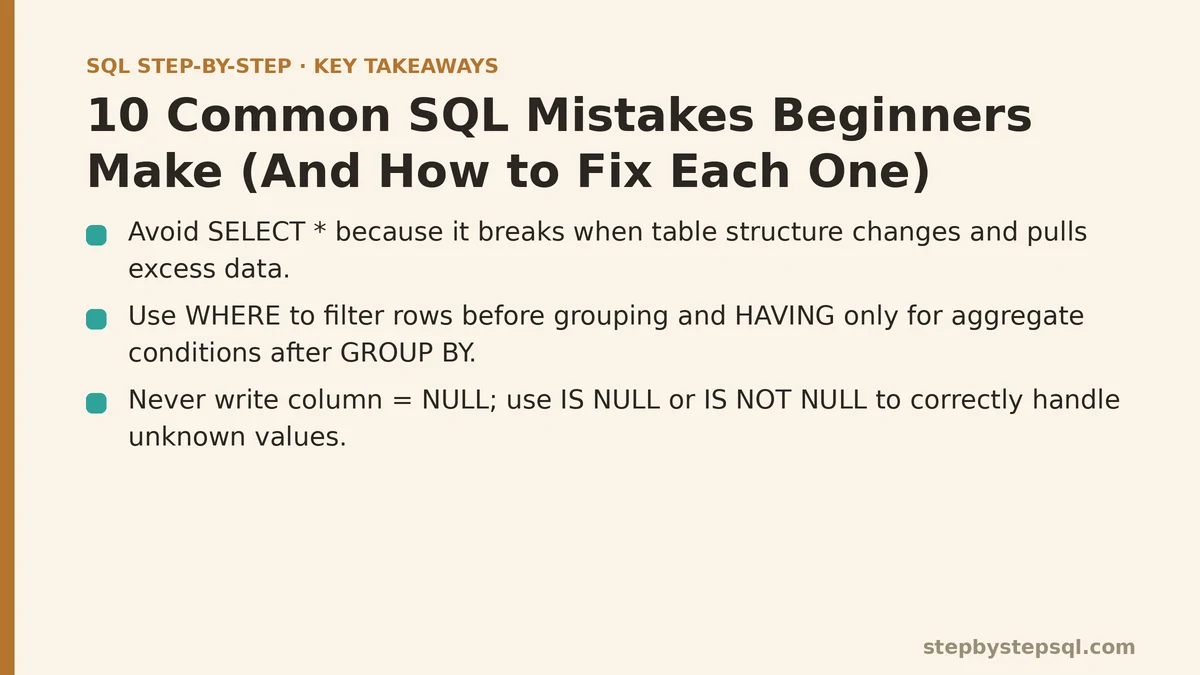
1. Selecting Every Column “Just to Be Safe”
The Myth: Writing SELECT * is a harmless shortcut. It grabs everything, so there’s no risk of missing a column you’ll need later.
The Reality: SELECT * pulls every column the table has today, including ones added next month that you never asked for and never expected. Downstream code that references columns by position, rather than by name, breaks the moment the table’s structure changes. It also forces the database to read and transmit far more data than most queries actually need, which becomes a real performance cost once tables grow large or get joined together.
The Fix: Name the columns you need, every time, even when the list is long. It documents intent directly in the query and insulates your code from future schema changes you have no control over.
2. Treating WHERE and HAVING as Interchangeable
The Myth: WHERE and HAVING both filter rows, so it shouldn’t matter much which one you reach for.
The Reality: WHERE filters individual rows before any grouping happens. HAVING filters groups after GROUP BY has already collapsed rows into summaries. Put a condition on an aggregate — like COUNT(*) > 5 — into a WHERE clause, and most databases will reject the query outright, since that count doesn’t exist yet at the point WHERE is evaluated.
The Fix: Filter raw, row-level conditions with WHERE. Save HAVING exclusively for conditions built on an aggregate function. If your condition mentions SUM, COUNT, AVG, or similar, it almost certainly belongs in HAVING.
3. Comparing to NULL With an Equals Sign
The Myth: Checking whether a column is empty means writing column = NULL, the same way you’d check any other value.
The Reality: NULL represents an unknown value, not a specific value that can be equal to anything — including another NULL. column = NULL doesn’t evaluate to true or false; it evaluates to unknown, which SQL treats the same as false in a WHERE clause. Rows you’re trying to find simply vanish from the result, with no error to flag what happened.
The Fix: Use IS NULL or IS NOT NULL instead of an equals or not-equals sign. These are the only operators built to handle NULL’s unknown-value logic correctly.
4. Building Queries With Direct String Concatenation
The Myth: Inserting user input straight into a query string is fine as long as the query works when you test it.
The Reality: Concatenating raw input into SQL opens the door to SQL injection — a technique where malicious input reshapes your intended query into something else entirely, potentially exposing or deleting data far beyond what the application was meant to allow. This isn’t a rare edge case; it’s one of the longest-standing and most exploited vulnerabilities in software built on top of databases.
The Fix: Use parameterized queries or prepared statements, supported by essentially every modern database driver. Input gets passed separately from the query structure, so it’s treated strictly as data, never as executable SQL.
5. Assuming Every JOIN Behaves the Same Way
The Myth: JOIN is JOIN — swapping INNER JOIN for LEFT JOIN is a minor stylistic choice.
The Reality: INNER JOIN can silently drop rows that have no match on the other side. LEFT JOIN guarantees every row from the first table survives, regardless of a match, filling in NULLs where no counterpart exists. Confusing the two produces results that are quietly incomplete — a “total customers” report that only counts customers who’ve placed an order, for instance, with no warning that anyone was excluded.
The Fix: Before writing the JOIN, decide whether losing unmatched rows is acceptable for the question being asked. If every row from one table needs to appear no matter what, that table belongs on the LEFT side of a LEFT JOIN.
6. Reaching for DISTINCT to Clean Up Duplicate Rows
The Myth: If a query returns more rows than expected, adding DISTINCT is the fix.
The Reality: Unexpected duplicate rows are almost always a symptom of a JOIN that’s matching more rows than intended — commonly a one-to-many relationship where each row on one side matches several rows on the other. DISTINCT papers over the symptom without addressing why the duplication happened, and it can quietly discard rows that were duplicates in appearance only, not in substance.
The Fix: Trace the duplication back to its source. Check whether a JOIN condition is too loose, or whether one of the tables involved has more rows per key than assumed. Fix the join logic itself before reaching for DISTINCT as a patch.
7. Ignoring Indexes Until Performance Becomes a Problem
The Myth: Indexes are a database-administration concern, not something a beginner writing queries needs to think about.
The Reality: A query filtering or joining on a column with no index forces the database to scan every single row to find matches, a cost that scales directly with table size. A table with a thousand rows won’t reveal this problem at all; the same query against ten million rows can turn a report that used to run instantly into one that takes minutes.
The Fix: Learn to recognize which columns your queries repeatedly filter or join on, and flag those as index candidates. You don’t need to manage indexes yourself as a beginner, but understanding why a slow query might need one changes how you write and troubleshoot queries going forward.
8. Writing INSERT Statements Without Naming Columns
The Myth: As long as the values are in the right order, an INSERT statement doesn’t need to explicitly list column names.
The Reality: Column order in a table isn’t guaranteed to stay fixed. Someone adds a column, someone reorders a migration script, and an INSERT that relied on positional order silently starts writing values into the wrong columns — with no error, since the data types might still technically match.
The Fix: Always name the target columns explicitly in an INSERT statement, in the same order as the values you’re supplying. It costs a few extra keystrokes and removes an entire category of silent data-corruption bugs.
9. Treating COUNT(*) and COUNT(column) as Identical
The Myth: COUNT(*) and COUNT(some_column) always return the same number, so it doesn’t matter which one gets used.
The Reality: COUNT(*) counts every row, full stop. COUNT(some_column) counts only the rows where that specific column isn’t NULL. Swap one for the other on a column that allows NULLs, and the resulting count can be quietly, meaningfully lower than the true row count — a discrepancy that’s easy to miss until totals stop adding up somewhere downstream.
The Fix: Use COUNT(*) when the goal is a plain row count. Use COUNT(column) deliberately, only when the intent is specifically to count non-NULL values in that column.
10. Nesting Subqueries Three or Four Levels Deep
The Myth: Complex questions require complex, deeply nested subqueries — that’s simply the nature of advanced SQL.
The Reality: Deeply nested subqueries are frequently a sign the query needs restructuring, not a sign the underlying problem was inherently complex. Beyond a certain depth, nested subqueries become difficult to read, difficult to debug, and difficult for the database’s query planner to optimize efficiently.
The Fix: Reach for a Common Table Expression (CTE) using WITH to break the logic into named, sequential steps instead of nested layers. Each step becomes readable and testable on its own, and the final query often ends up shorter than its nested equivalent, not longer.
Putting the List Side by Side
| # | Mistake | Quick Fix |
|---|---|---|
| 1 | Using SELECT * | Name the exact columns needed |
| 2 | Confusing WHERE and HAVING | WHERE filters rows, HAVING filters groups |
| 3 | Comparing to NULL with = | Use IS NULL / IS NOT NULL |
| 4 | Concatenating raw input into queries | Use parameterized queries |
| 5 | Treating all JOINs as equivalent | Match JOIN type to which rows must survive |
| 6 | Using DISTINCT to hide duplicates | Fix the JOIN causing the duplication |
| 7 | Ignoring indexes | Index columns used in WHERE/JOIN conditions |
| 8 | Skipping column names in INSERT | List target columns explicitly |
| 9 | Assuming COUNT(*) = COUNT(column) | Choose based on whether NULLs should count |
| 10 | Deep subquery nesting | Restructure with a CTE |
None of these mistakes are hard to fix once they’re recognized — the difficulty is almost entirely in recognizing them before a query has already shipped somewhere and started producing numbers people trust. Which of these ten shows up most often in your own queries, and would a closer look at that specific pattern be worth walking through together? Related guides: Beginners Guide to SQL Window Functions: ROW_NUMBER and RANK Explained, How to Build a Simple Inventory Database Step by Step for Beginners, and SQL Injection Prevention for Beginners: Why String Concatenation Is Still Winning.